Introducing ColorLayer: Turn Any Image into Multi-Color 3D Prints
Meet ColorLayer — a free, browser-based tool that converts ordinary images into full-color 3D print files for Bambu Lab printers. No plugins, no slicing headaches.
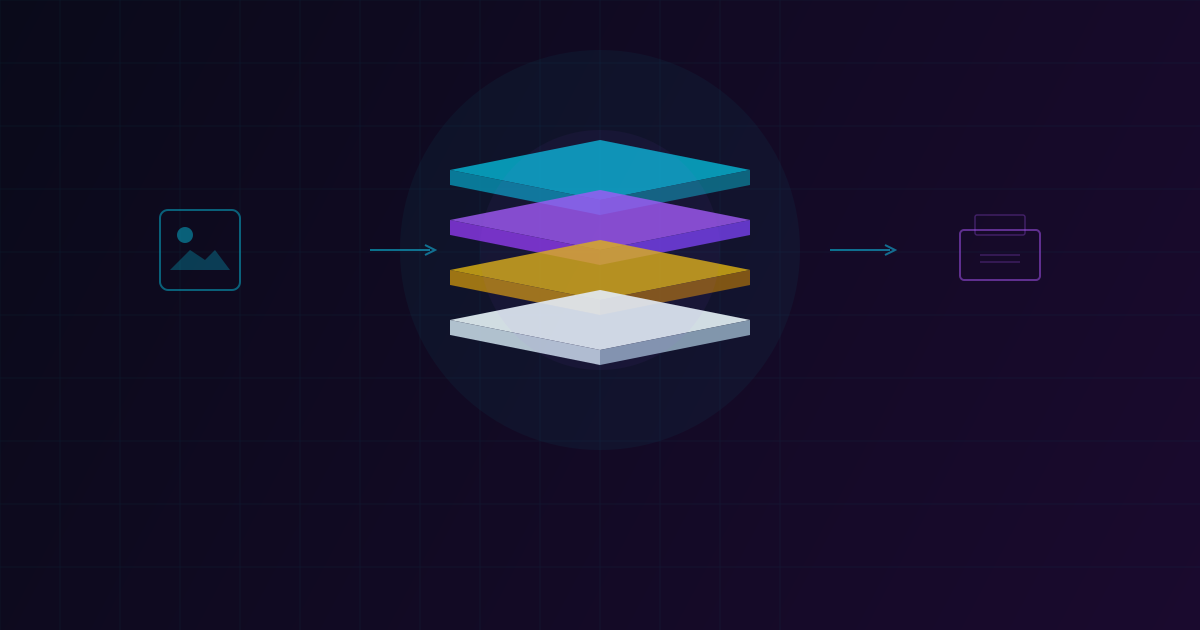
We are excited to announce the public launch of ColorLayer — a free web-based tool that transforms any 2D image into a ready-to-print multi-color 3MF file for FDM 3D printers.
The Problem We Solved
Multi-color 3D printing has been possible for a while, but the workflow has always been painful. You need to manually separate colors in image editing software, import each layer into a slicer, align them perfectly, and hope the colors come out right. Most people give up before they even start.
ColorLayer eliminates all of that. Upload an image, adjust a few settings, and download a 3MF file that is ready for BambuStudio.
How It Works
ColorLayer uses optical simulation based on the Beer-Lambert law to model how light passes through stacked translucent filament layers. Instead of printing each color side by side, ColorLayer stacks thin layers of different colored filaments. When light passes through these layers, the colors mix subtractively — much like stained glass.
The process is straightforward:
- Upload any image (PNG, JPG, WebP)
- Adjust model size, layer count, and base settings
- Preview the result in an interactive 3D viewer
- Export a ready-to-print 3MF file
Supported Printers
At launch, ColorLayer supports the full Bambu Lab lineup:
- A Series — A1, A1 mini
- X Series — X1, X1 Carbon, X1E
- P Series — P1S, P1P
- H Series — H2, H2D
The exported 3MF files include all necessary print settings, so you just need to assign your filaments in BambuStudio and hit print.
Built for the Browser
ColorLayer runs entirely in your browser. There is nothing to install, no account required for basic use, and your images are processed locally. The editor provides real-time 3D preview so you can see exactly what your print will look like before exporting.
What Makes ColorLayer Different
Unlike tools that simply paint different regions with different filaments, ColorLayer achieves a much wider range of colors by leveraging the translucency of standard PLA filament. With just 4 filament colors (for example CMYK), you can reproduce hundreds of distinct shades.
This approach works particularly well for:
- Logos and graphics — clean, vibrant reproduction
- Photographs — surprisingly detailed results with enough layers
- Artwork — pixel art, illustrations, and designs
Try It Now
Head to maker.oloo.ai and try it with your own image. Start with a simple logo or graphic for the best first experience. The tool is completely free to use.
We are just getting started. Our roadmap includes calibration profiles for accurate color matching, a community gallery, background removal, and more printer support. Follow along on our blog for updates.
Have feedback or feature requests? We would love to hear from you. ColorLayer gets better with every piece of community input.
ColorLayer Team
Author